
WebbifyStudio

WordPress website design

WordPress website design with a custom theme your team can actually edit

WordPress is at its best when it is built for the site in front of it: a custom theme, a short list of maintained plugins, and content fields that let your team update pages without touching the design. Webbify designs and builds WordPress sites that way, with search structure planned in from the start.

How it is built

Most WordPress problems are build decisions, not WordPress.

Slow pages, broken layouts after an update, and a site nobody dares edit usually trace back to the theme, the page builder, or the plugin list. Those are choices, and they can be made well.

A theme built for the site

Off-the-shelf themes and heavy page builders are quick to start and slow to live with: extra code on every page, layouts that fight the content, and updates that break things. Webbify builds a custom theme with only the templates and sections the site actually needs.
Fewer plugins, each one justified

Most WordPress trouble starts with plugins: too many, abandoned, or overlapping. Every plugin on a Webbify build has a stated job and an active maintainer. Anything a few lines of theme code can do is done in the theme.

Easy to edit, hard to break

The people updating the site are usually not developers. Content is entered into structured fields and reusable sections, so a new service page or a changed headline does not require moving layout blocks around or risking the design.

The approach

Review, plan the content model, build on staging, launch with verification.

Deciding what is editable and what is fixed design happens before any template is built. That decision is what keeps a WordPress site easy to update a year later.

The full process →
  1. Review the business and the current site

    What the site has to do, what already ranks, and whether WordPress is the right platform at all. If an existing WordPress site only needs targeted fixes, that is the recommendation.

  2. Plan the pages and the content model

    A sitemap built around how customers search, and a content structure that decides which parts of each page are editable and which are fixed design.

  3. Build the custom theme on staging

    Templates, reusable sections, and the minimum set of plugins, built in a staging environment where the client reviews real pages with real content.

  4. Launch with redirects and verification

    Existing URLs are mapped and redirected, caching and image handling are configured, forms are tested, and Search Console is checked after launch.

In practice

A custom WordPress build that replaced a Squarespace template.

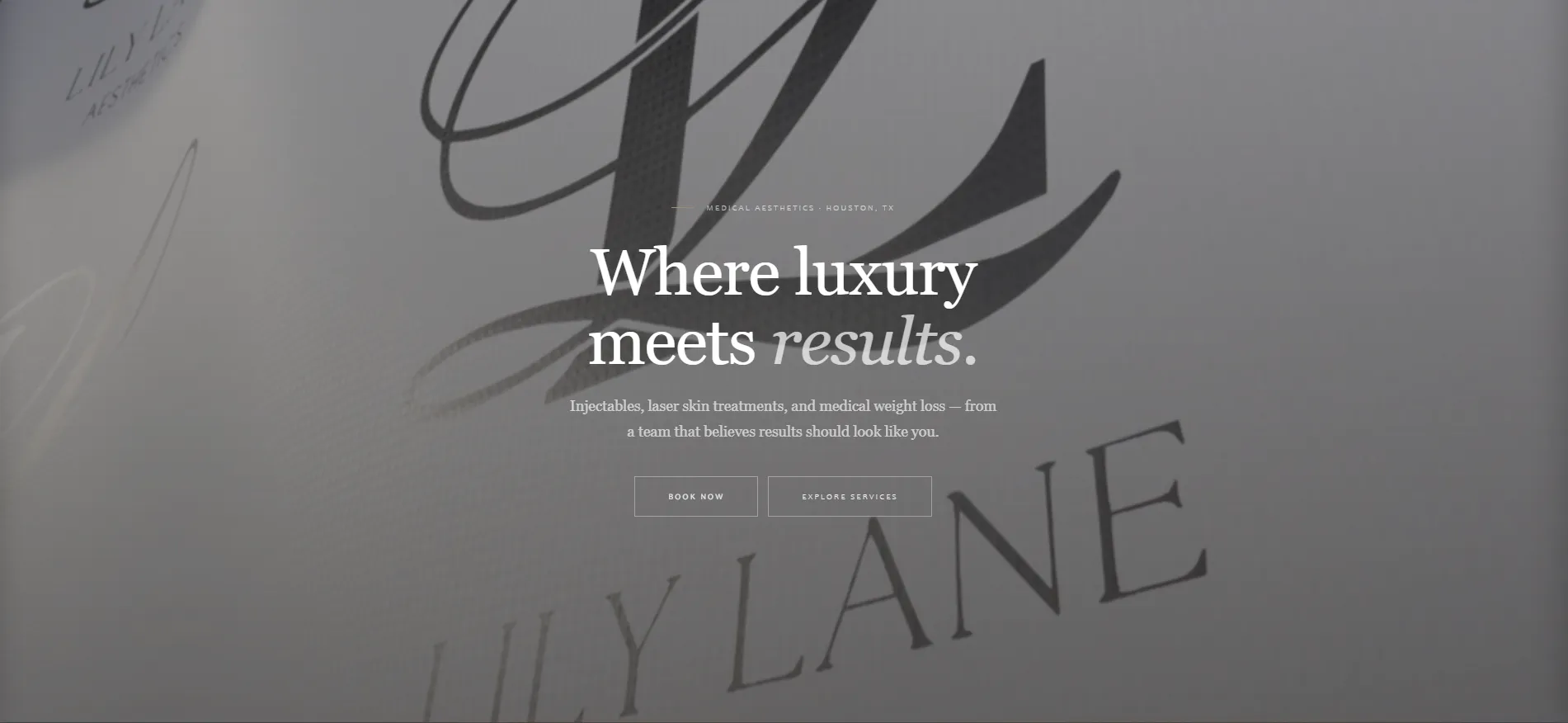
Lily Lane Aesthetics, a medical-aesthetics practice in Houston, moved from Squarespace to a custom WordPress implementation. Page sections were built in custom HTML, CSS, and JavaScript outside the standard theme, with a reusable layout for treatment pages so new services do not need new design.

Read the Lily Lane case study →

Search and speed

The technical SEO a WordPress build has to get right.

WordPress does not make a site fast or findable on its own. These are handled as part of the build, not as a plugin installed afterwards.

  • Clean templates with one H1 per page, descriptive headings, and breadcrumbs
  • Unique titles and meta descriptions controlled per page, not left to defaults
  • Caching and image handling configured for the host, with images sized and compressed on upload
  • No page-builder markup wrapping every element, which keeps pages lighter and faster to load
  • Redirect mapping for every existing URL when a site is rebuilt or moved onto WordPress
  • Structured data only where every field is accurate

Honest fit

When WordPress is the wrong choice.

WordPress suits content-led business sites that a team needs to update. It is not the answer to everything, and Webbify will say so.

  • A product or tool with user accounts, workflows, or logic that WordPress would have to be bent to handle; that is a custom application
  • A small, fast marketing site where nobody needs a content editor and a code-first build is simpler to host and maintain
  • A site that will never be updated, where a CMS adds maintenance with no benefit

Questions

What to ask before hiring someone to build a WordPress site.

Can you fix our existing WordPress site instead of rebuilding it?

Often, yes. If the structure is sound and the problems are a slow theme, a few bad plugins, or missing pages, targeted fixes can be the better investment. If the site is built on a page builder that fights every change, or the architecture no longer fits the business, a rebuild usually costs less over time. A review decides which, and Webbify will recommend the smaller option when it fits.

Will we be able to edit the site ourselves?

Yes. That is the main reason to choose WordPress. Pages are built from structured fields and reusable sections, so your team can update text, images, and services, and add new pages from the same layouts, without touching code or breaking the design.

Page builder or custom theme?

Page builders make the first version fast and every later change harder: heavier pages, layouts that drift, and a dependency on one plugin for the whole site. Webbify builds custom themes, with editing designed in from the start. If you are attached to a builder you already use, the review will cover what that costs and what it saves.

Who handles updates and security after launch?

WordPress core, themes, and plugins need regular updates, backups, and monitoring. Webbify can handle that through website care, or hand over a site built with few enough plugins that your team can manage it. Either way, you own the site, the hosting account, and every login.

On WordPress already, or thinking about it? Start with a review.

Webbify looks at the current site, the theme, and the plugin list, then recommends targeted fixes, a rebuild, or a different platform, with the reasoning.