
Custom, code-first builds
Astro, Next.js, React, and TypeScript for sites that need to be fast, secure, and precisely controlled. Static output where possible, application code where the business needs it.
Web development
Webbify builds websites the way software should be built: a platform chosen on evidence, a planned architecture, a staging environment, and a launch that protects what already works. Custom code-first builds in Astro, Next.js, and TypeScript sit alongside WordPress and Squarespace work, depending on what the business needs.
What gets built
A lot of web development starts with the tool the developer already knows. Webbify starts with what the site has to do, who will maintain it, and how it needs to perform, then picks the stack.
Astro, Next.js, React, and TypeScript for sites that need to be fast, secure, and precisely controlled. Static output where possible, application code where the business needs it.
Platforms are chosen for the people who will maintain the site. On WordPress that means lean themes, custom HTML, CSS, and JavaScript where needed, and no plugin sprawl. On Squarespace it means working within the platform without fighting it.
URL structure, redirects, structured data, image handling, and performance are decided during the build, not patched on afterward by someone else.
The approach
Every build follows the same sequence whether it is a five-page WordPress site or a code-first application. The difference is in the details of each step, not the order.
The full process →Content volume, who edits it, integrations, performance needs, and budget for maintenance. The recommendation is written down with the reasoning.
Page templates, components, content model, URL structure, and any integrations are planned before code is written. Redirect mapping starts here if a site already exists.
Development happens in a staging environment you can review. Accessibility, responsive layouts, and performance are checked as the work progresses, not at the end.
DNS, hosting, redirects, Search Console, and analytics are handled at launch. You get the code, the accounts, and a plain explanation of how the site is put together.
In practice
One is a custom application built from scratch. The other is a WordPress site for a Houston practice, pushed well past what a theme normally allows. Both were built and shipped by the same person.
All case studies →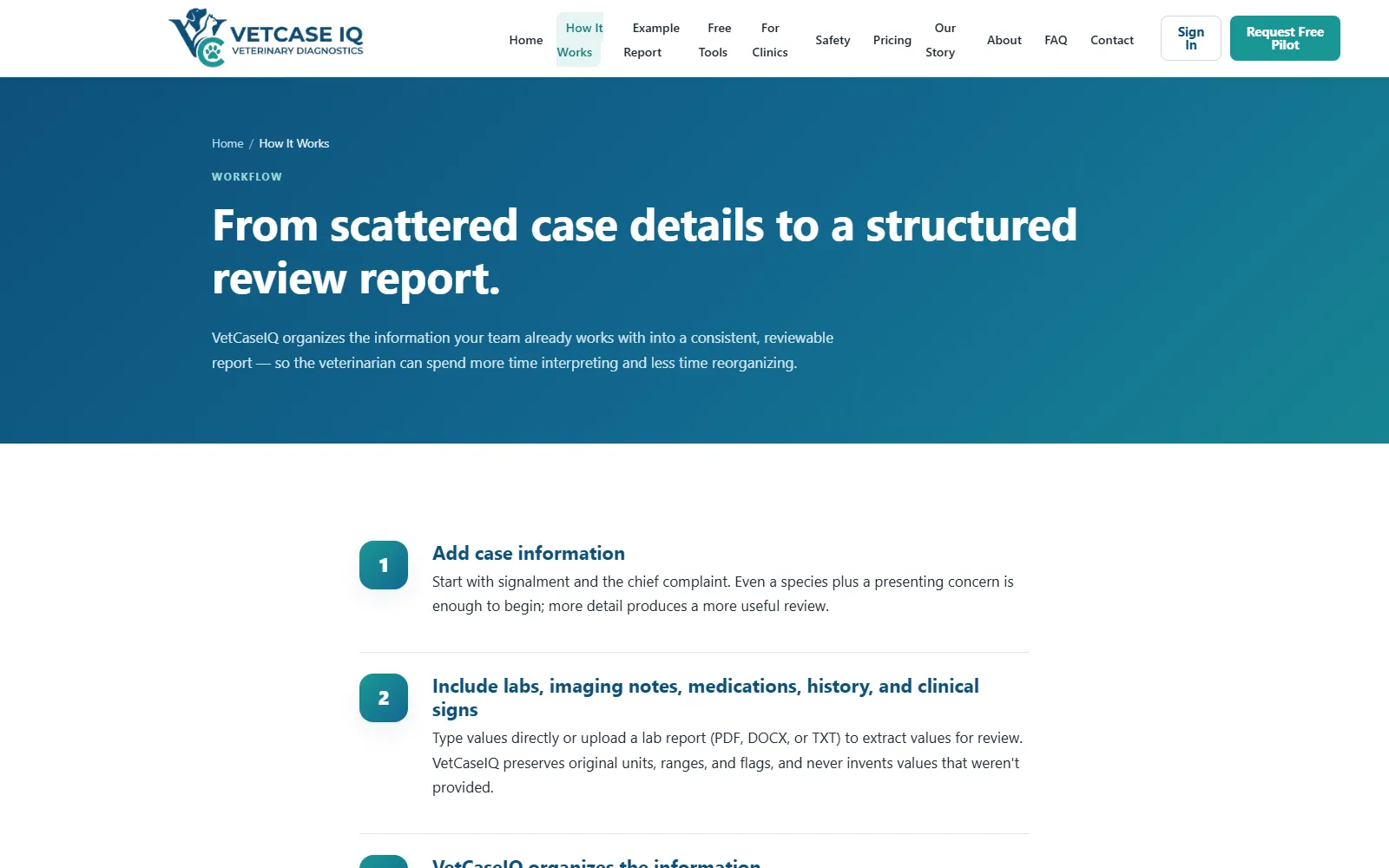
A veterinary case-review platform built in Next.js, React, and TypeScript: structured document processing, a multi-stage processing pipeline, literature retrieval, quality checks, and cloud deployment.

A Squarespace site migrated to WordPress with custom HTML, CSS, and JavaScript outside the standard theme structure, separate mobile layouts, and a staging environment through to deployment.
Specialist work
Migrations go wrong when they are treated as a copy-and-paste task, and stores go wrong when the catalogue is modelled after the theme is chosen. Each has its own page.
Honest expectations
Development claims are easy to inflate. These are the ones Webbify will stand behind.
Where this fits
A build rarely stands alone. The pages below cover the work that usually sits on either side of it.
Web development is one of the four service areas listed on the services overview. If an existing site is being replaced, start with the website redesign page. Houston businesses can also see the Houston services hub.
Questions
When speed, security, and control matter more than a visual editor, or when the site is really an application. Code-first stacks like Astro produce very fast static sites with a small attack surface. WordPress remains the right answer for many businesses that need a familiar editor and a large content library.
Both. VetCaseIQ is a custom application built in Next.js, React, and TypeScript with API integrations and a multi-stage processing pipeline. The custom applications page covers that kind of work in more detail.
Usually, yes. The first step is a review of the codebase or the WordPress install to understand what is there and what it would take to change it. Sometimes a targeted fix is enough. Sometimes a rebuild is honestly the cheaper path, and Webbify will say so.
You do. Code, content, domain, hosting, and every account are in your name. Webbify is happy to keep maintaining the site, but nothing about the build depends on it.
A conversation, a look at any existing site or codebase, and a clear proposal with the platform recommendation and the reasoning.